How to prepare a CNC RFQ that gets one clear reply
Most requests that stall are missing the same few facts. Here is what to send first, and how to mark what you do not know yet.
Milan VosRFQ coordinator · 6 min read
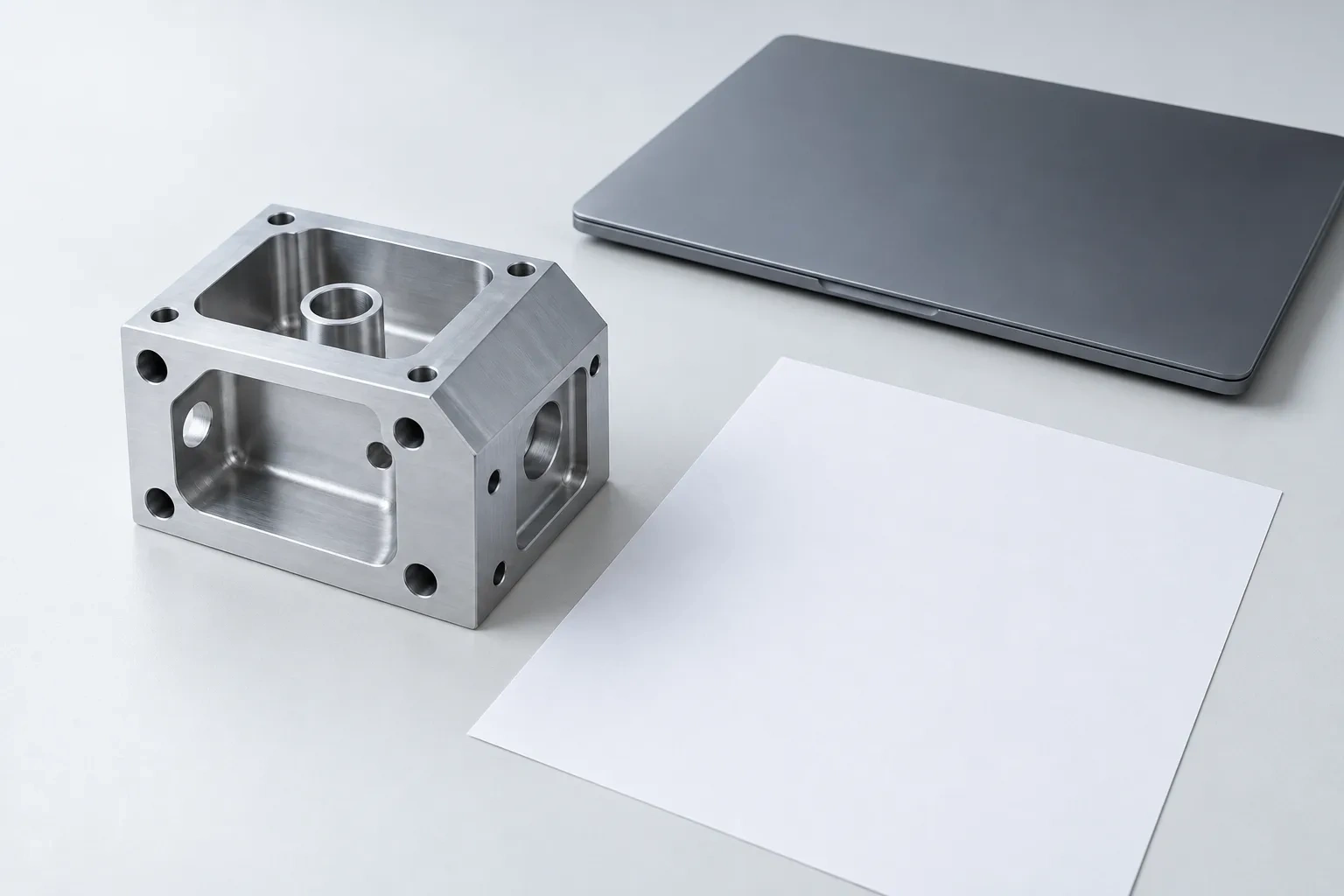
I read every request that reaches Keelworks before an engineer does. My job is easy to describe: when Bas opens the drawing, he should be able to start reviewing instead of asking questions. Most requests that stall are not difficult parts. They are missing the same handful of facts, and each missing fact costs a round of email.
Here is what I look for, in the order I look for it.
Quantity, and up to two alternatives
Setup is spread over the batch, so quantity changes the price per part more than almost anything else. Give the number you need now. If you are unsure, add up to two alternatives for the same specification, such as 25, 50 and 100. We quote each one separately and never add them together.
If you do not know the quantity yet, say so. A request marked “not decided” still gets a reply.
Material and condition
Name the grade and its condition, such as EN AW-6082-T6 or stainless 316L. If the drawing only says aluminium or stainless, I will ask which one, because the grade decides the screening range, the finish options and the stock we order. If you have not chosen a grade, tell us what the part has to do: carry a load, sit in a wet room, touch drinking water. We will not choose a material for you, but we can tell you which questions to settle.
Brass is a special case. Tell us the intended use and any material-compliance evidence your product needs, because brass always gets an application and compliance review here.
Size, and the drawing revision
For a block, give length, width and height in millimetres. For a round part, give the diameter and the axial length. Those numbers decide which machines can take the part before anyone opens the drawing.
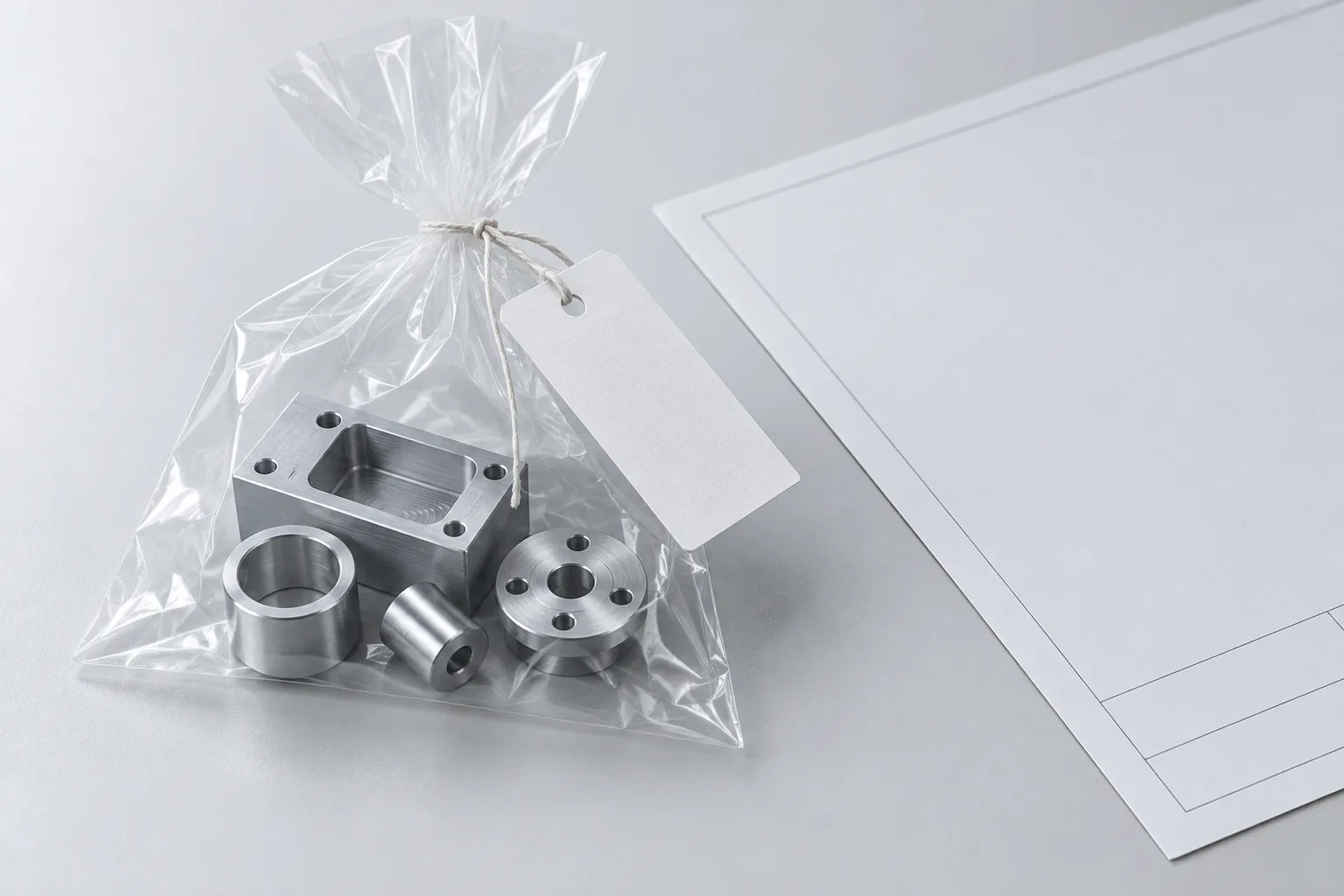
Then the revision. A STEP model and a PDF drawing at the same revision is the best pack. If the model and the drawing disagree, tell us which one leads; Bas explains why that matters in his guide to models and drawings.
The features that matter
A general tolerance on the title block tells us how careful to be everywhere. It does not tell us which three features decide whether your assembly works. Mark those: the bore that takes a bearing, the two faces that must stay parallel, the thread that mates with another supplier’s part. Inspection follows those features, so naming them early makes both the quotation and the report more useful.
Finish, documents and the date
Say whether the part ships as machined or needs anodising, passivation or another finish, and which surfaces matter. Ask for documents by name: an EN 10204 3.1 material certificate, a dimensional report, a first-article report. Each one is a request we confirm before quoting.
Give the date you need and whether it can move. A requested date is a starting point; the written quotation is where dates become firm.
Mark the gaps instead of guessing
The most useful line in an incomplete request is “not specified yet”. A guessed tolerance or an invented quantity sends the review in the wrong direction. A marked gap tells me exactly what to ask, and I put every question in one reply, usually within one or two business days.
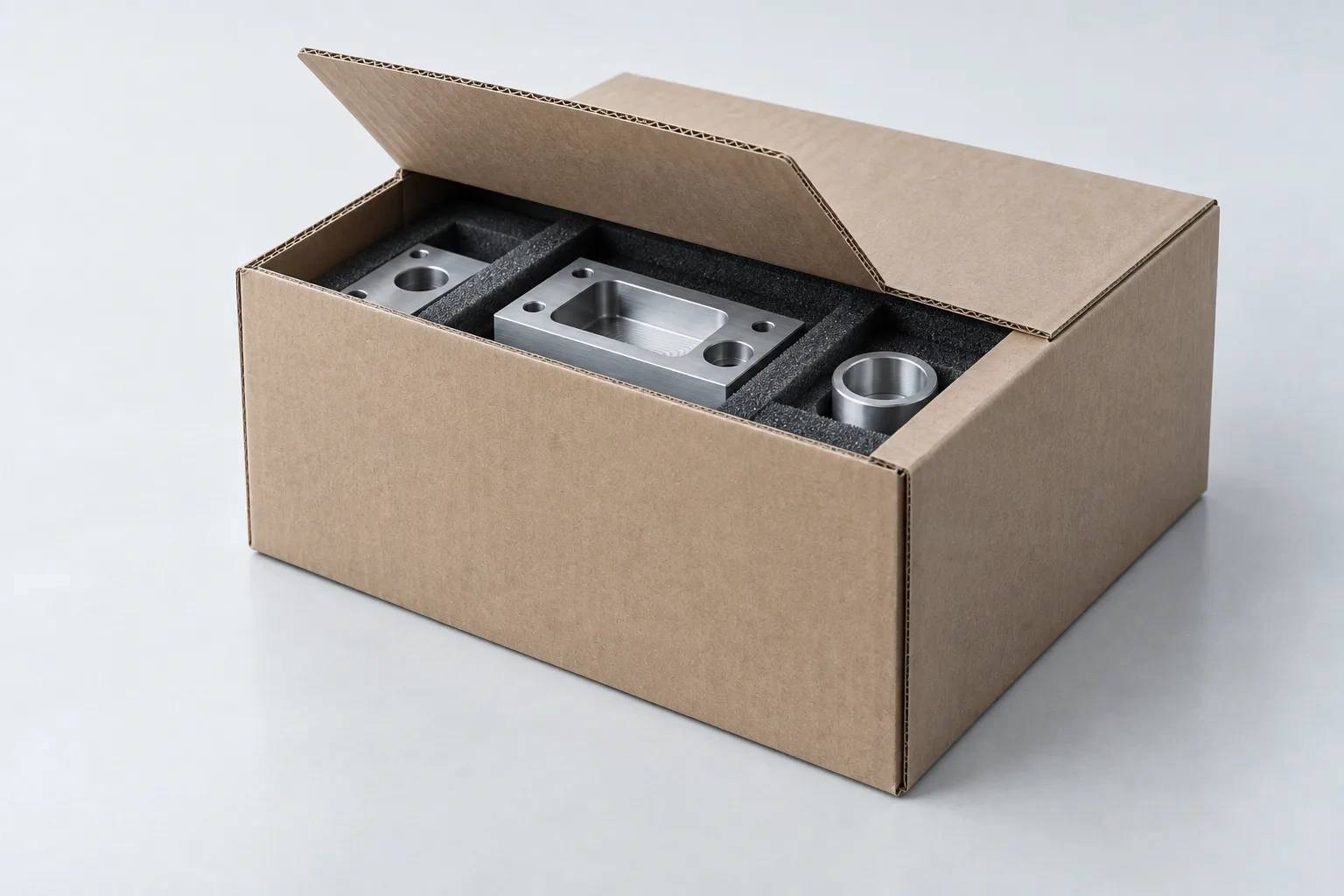
A short checklist
- Quantity, plus up to two alternatives
- Grade and condition, or what the part must do
- Block size, or diameter and length, in mm
- Drawing and model revision
- The features that decide whether the part works
- Finish, requested documents, date and delivery country
If you like, try the part in Check my part first. It shows which processes fit the published ranges and carries your choices into the RFQ, so you only add what is left.
An authored guide for a fictional business. The people are invented.
Read next
Ready to send yours?